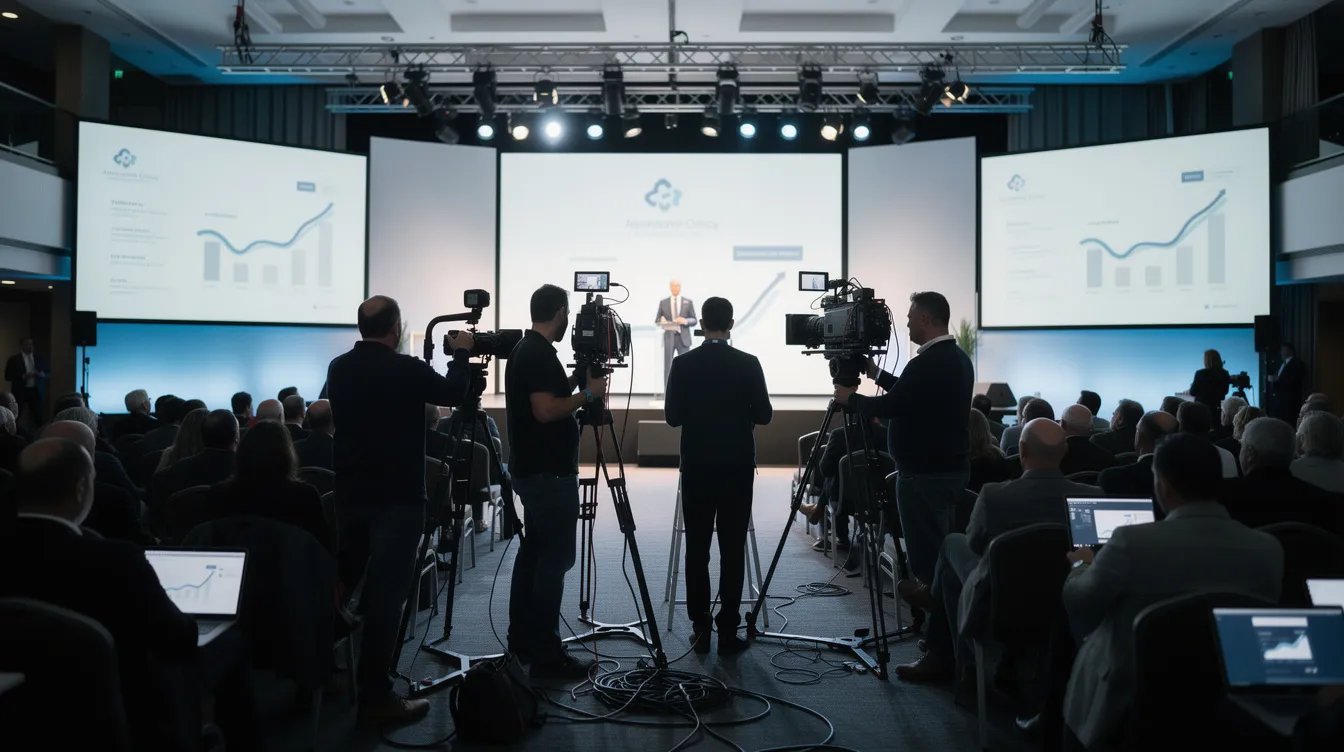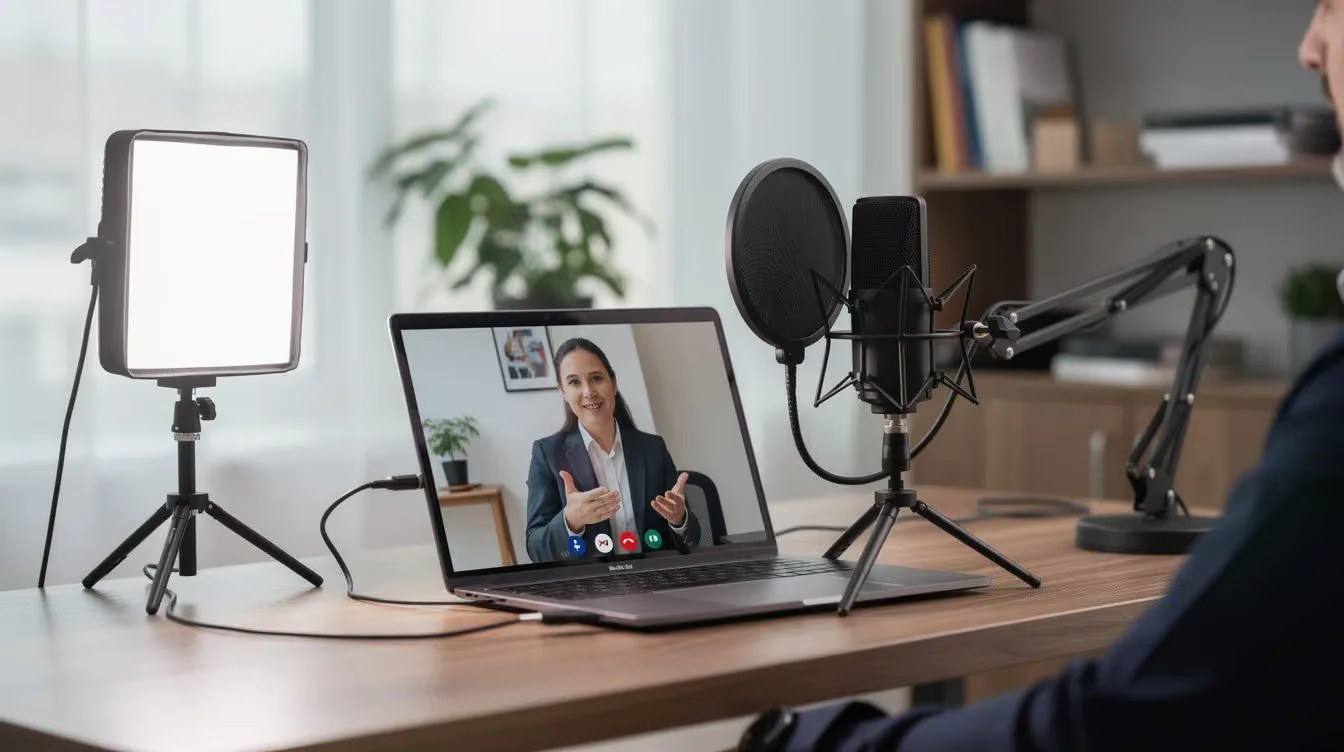
Most marketing teams are producing more video than ever. But flying crews to multiple cities, coordinating executive calendars, and managing full on-site shoots does not scale.
Remote video production solves that problem.
It is a complete professional workflow: a director, a creative strategy, and a post-production team working together to deliver high quality video content without the logistics of traditional filming. Not a Zoom recording. Not a DIY setup. A real production process that produces real business video results.
What Is Remote Video Production?
Remote video production allows companies to create professional video content without requiring all participants to be in the same location. A director oversees creative decisions and provides real-time feedback. A post-production team handles video editing, color correction, and sound design. The full production process runs from pre production planning through final delivery.

Demand for these services is growing fast. The market was valued at $2.5 billion in 2024 and is projected to reach $6.1 billion by 2033, according to Verified Market Reports. The companies driving that growth are B2B marketing teams replacing expensive on-site shoots with scalable remote workflows.
The distinction worth making: this is not the same as recording yourself on Zoom and calling it done. Professional remote video production services involve intentional shot planning, directed capture, and skilled post production that transforms raw footage into polished corporate videos and marketing assets.
How Remote Video Production Works: The Full Workflow
Pre-Production
Strategy, scripting, shot planning, and stakeholder alignment happen first. This phase defines business goals, success metrics, and key messages before any remote capture is scheduled. It typically runs two to three weeks depending on project complexity.
Remote Capture
Remote participants record using one of several methods covered in the next section. A remote director coaches framing, lighting, and delivery in real time. Cloud-based tools allow producers to monitor footage, give feedback, and manage the session from anywhere in the world.
Post-Production
This is where raw footage becomes a finished video. Color correction normalizes the look across different locations. Sound design cleans up audio inconsistencies. Motion graphics add branded elements. A skilled video editor shapes the story from start to finish.
Delivery
Final files can be exported in every format your team needs: LinkedIn, paid social, landing pages, sales decks, and virtual events.
Remote Capture Methods: Choosing the Right Approach for Your Project
The capture method you choose affects quality, cost, and how much you ask of your participants.
Browser-Based Self-Record with Remote Direction
Participants click a secure link and record in 1080p or higher while a director coaches framing, lighting, and delivery in real time. Low friction, fast to schedule, and budget-friendly. Best for thought leadership clips, remote interviews, and asynchronous video production where participants record on their own time.
Directed Video Call Session
A director joins a native Zoom or Teams call, asks prepared questions, and records the session. Minimal setup for participants who are uncomfortable with new tools. Post production can recover a lot, but compression limits the ceiling on quality.
Shipped Camera Kit with Live Setup Support
Pre-configured cameras, lights, and microphones ship directly to your executive or customer. A tech coordinator joins remotely to walk through setup. This is the best option for high quality video content where participant environment would otherwise be unpredictable. Requires 30 to 60 minutes of setup time.
Remote Video Production Technology and Tools

You do not need to understand every piece of software to run a successful remote video project. But knowing what tools do what helps you ask better questions when evaluating a production partner.
Capture Tools
Browser-based platforms like Riverside.fm and Squadcast record each participant locally in high resolution, which means internet speed during the session does not affect footage quality. This is a significant upgrade over Zoom or Teams recordings, which compress video in real time.
For shipped kit projects, pre-configured cameras like PTZ cameras give remote directors pan, tilt, and zoom control without anyone on-site adjusting the camera manually. Combined with professional audio gear, this is how remote production delivers broadcast-quality footage from a home office or regional workspace.
Cloud Collaboration and Review
Once footage is captured, cloud-based review platforms like Frame.io allow marketing teams to leave frame-accurate comments directly on the video timeline. No long email threads. No "go to the 2 minute 34 second mark" confusion. Feedback is precise and the video editor can action it immediately.
Post Production Software
Professional remote video production teams work in the same tools as traditional production: Adobe Premiere Pro for video editing, After Effects for motion graphics, DaVinci Resolve for color correction. The location of the editor does not affect the quality of the output.
Project Management and Communication
A dedicated producer keeps the project on track using standard tools: shared project timelines, cloud asset folders, and clear approval workflows. The technology matters less than having one person responsible for keeping everything moving.
What Types of Business Videos Work Best With Remote Production

Not every video format benefits equally from remote workflows. These are the ones that consistently perform well.
Customer Testimonial Videos
Remote capture works exceptionally well for testimonials. Customers speak naturally from their own office or workspace, which adds authenticity that a studio setting rarely replicates. No travel coordination required.
See the below guides to help get started with remote testimonials!
🌐 Top 10 Testimonial Questions That Drives Results in 2026
🌐 How to Ask for Customer Testimonials: Templates and Scripts
Executive Interviews and Thought Leadership
A shipped kit compresses a four to six hour on-site shoot into a 90-minute session. Busy leaders participate without heavy calendar disruption, and the footage quality holds up for brand videos, investor content, and sales enablement.
SaaS Product Demos
The subject matter is screen-based. A remote director coaches the product manager through the demo while recording screen share and talking head simultaneously.
Onboarding and Internal Communications
Higher volume, lower stakes. Once the remote workflow is established, subsequent videos follow the same process without geographic constraints. Ideal for distributed teams producing ongoing corporate videos.
Investor Updates and Executive Communications
Regulated industries like healthcare and financial services need controlled, high-frequency video communications. Remote production allows leaders to record professional updates from their own offices without studio time.
Explore professional remote video examples in our portfolio
Remote Video Production vs. On-Site Production: How to Decide
This is a decision framework, not a pitch for one approach over the other.
When remote is the stronger choice:
- Participants are in different locations and coordinating travel is impractical
- The timeline is tight and scheduling everyone in one place is not realistic
- The budget needs to stay lean and travel is a major line item
- The video is interview-driven or narrative-based
- You need multiple cuts, regional versions, or ongoing content from the same workflow
When on-site is still worth it:
- The project requires complex product staging with multiple camera angles
- A facility tour or manufacturing environment is central to the story
- The video is a flagship brand film that demands cinematic production value
- You are filming multiple subjects in a single day, which makes per-video on-site cost competitive
When hybrid makes the most sense:
Remote interviews paired with a local crew capturing B-roll. A remote director managing camera operators across multiple cities simultaneously. This approach combines capture quality with geographic flexibility and is increasingly how experienced video production teams structure larger distributed projects.
Most B2B video programs end up using all three approaches depending on the project. The goal is matching the production method to the content type and business context, not defaulting to one model for everything.
For deeper comparison, check out this guide:
🌐 Remote vs On Site Video Testimonials: Cost, Quality, and When to Use Each
Quality Standards in Remote Video Production
The most common concern from B2B buyers: "Is remote video actually good quality?"
The honest answer is that quality depends almost entirely on who is running the production, not the format itself.
Professional remote video production services close the gap with traditional on-site work through three things: directed capture, skilled post production, and the right equipment for the situation. A video editor who knows how to normalize color across different locations, clean up inconsistent audio, and apply branded motion graphics can turn footage from three different home offices into a cohesive, polished final product.
Where remote production has real limitations: lighting and acoustic conditions are harder to control than a studio environment. Participant comfort on camera affects performance. Bandwidth issues can disrupt a live session. Professional partners plan for all of these with pre-shoot coaching, shipped equipment, and technical backup plans.
The question to ask any remote video production company is not "can you do remote?" It is "what does your post production process look like and how do you handle inconsistent footage?"
That answer tells you everything.
Industries and Use Cases Where Remote Video Production Performs Well
Remote workflows are not one-size-fits-all, but certain industries have adopted them faster because the business case is clear.
SaaS and Tech
Product-led companies need constant video output: feature explainers, customer success stories, onboarding content, sales enablement clips. Remote production makes that volume possible without a bloated production budget.
One example: a B2B SaaS company needed 12 customer testimonial videos across eight countries in four weeks. Flying crews to each location was not feasible on budget or timeline. Using directed browser-based capture and shipped kits for priority markets, the team recorded, edited, and delivered a full testimonial library on schedule. Each video followed a consistent branded template with localized lower thirds and regional cuts. See how Levitate works with tech and SaaS companies.
Healthcare
Physician testimonials, patient education videos, and provider recruitment content all benefit from remote capture. Pulling doctors off clinical schedules for a full production day is not realistic. A 30 to 45 minute remote session with a shipped kit is.
One healthcare system needed physician testimonials for a provider recruitment campaign across multiple hospital locations. Remote directed capture produced authentic, high quality testimonials without disrupting clinical operations. See healthcare video production examples.
Financial Services
Executive messages, compliance-sensitive content, and investor communications need controlled production environments. Remote workflows with secure links, encrypted file transfers, and role-based access meet the security requirements financial services teams expect.
One financial services firm needed quarterly video content from six senior leaders across New York, London, and Singapore. Shipped kits standardized visual quality across all three locations. The result was a consistent executive video series that ran across LinkedIn, the company website, and internal communications for over a year from a single production setup. See financial services video examples.
Professional Services and B2B Enterprise
Thought leadership content, case study videos, and internal communications for distributed teams are natural fits for remote production. One technology company established a remote workflow for their product demo library, allowing the sales team to get updated, on-brand video assets in two weeks instead of waiting for a full production cycle. See corporate and B2B video examples
How to Prepare Your Team for a Remote Video Shoot
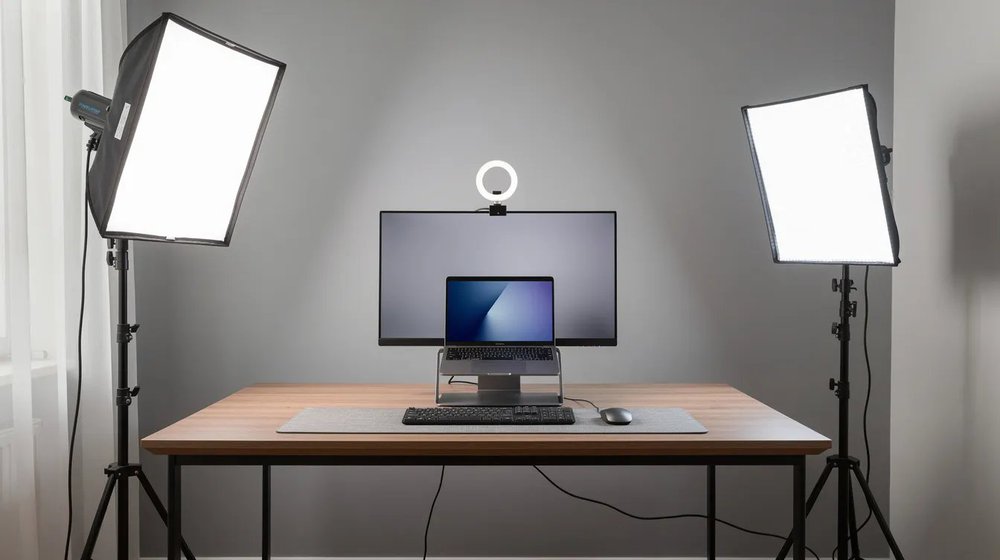
Remote production succeeds or fails in pre production. The shoot itself is rarely where things go wrong.
Talent Preparation
Send participants a simple one-page guide before the shoot. Cover wardrobe (solids over patterns, avoid bright white), background (clean, professional, no clutter behind them), framing (camera at eye level, not looking up from a laptop), and eye contact (look at the camera, not the screen).
Talking points work better than dense scripts. Participants who are reading feel like they are reading. Give them the three to four key messages and let them speak naturally.
Technical Check
Test internet connection, camera, and audio at least 48 hours before the shoot. Not the morning of. If there is a bandwidth issue or a hardware problem, you need time to solve it before the session starts.
Have a backup connectivity option ready. A mobile hotspot has saved more than a few remote shoots.
Environment Preparation
Choose a quiet room with a door that closes. Check lighting from nearby windows: natural light facing the participant works well, light coming from behind creates a silhouette. Remove anything distracting from the background.
How to Choose a Remote Video Production Company
Not every company offering remote video production services runs a full production process. Some provide a recording link and leave the rest to you.
Here is what to look for:
- End-to-end capability: strategy, directing, capture, post production, and delivery handled by one team
- A dedicated producer assigned to your project, not a rotating support inbox
- Clear revision process with defined rounds and turnaround times
- Delivery in multiple formats suited to your distribution channels
- Security protocols for sensitive content: encrypted file transfers, role-based access, NDAs
Questions worth asking before you sign anything:
- How do you handle footage quality issues from participant environments?
- How many revision rounds are included and what is the turnaround time?
- What formats do you deliver and how are files organized?
The answers reveal whether you are working with a production partner or a recording tool with a logo. You can also review video production packages to understand typical scope and deliverables before your first conversation.
Getting Started with Remote Video Production
Four steps to get started:
- Clarify your goals. Pick one or two priority use cases: a testimonial series, a product demo library, or an executive thought leadership program.
- Align internal stakeholders. Confirm budget, timeline, and who owns approvals. If you are in a regulated industry like finance or healthcare, factor in compliance review time from the start.
- Choose the right partner. Look for end-to-end remote video production services, not just a recording tool. The production company should handle strategy through delivery without you stitching together multiple vendors.
- Plan for repeatability. Design a content calendar that uses remote workflows to deliver videos monthly or quarterly, not just once a year.
If you are evaluating remote video production and want guidance from a team that has produced 10,000+ videos across every major industry, talk to the Levitate Media team or explore pricing to understand what a project looks like.
Related Blogs
🌐 8 Essential Tips to Nail Your Remote Interview
🌐 Remote Video Production: How to Scale Your Content Efficiently
🌐 Remote Video Recording- The Complete Guide for Modern Businesses
🌐 Remote Testimonial Video Production Process Explained
Insights from