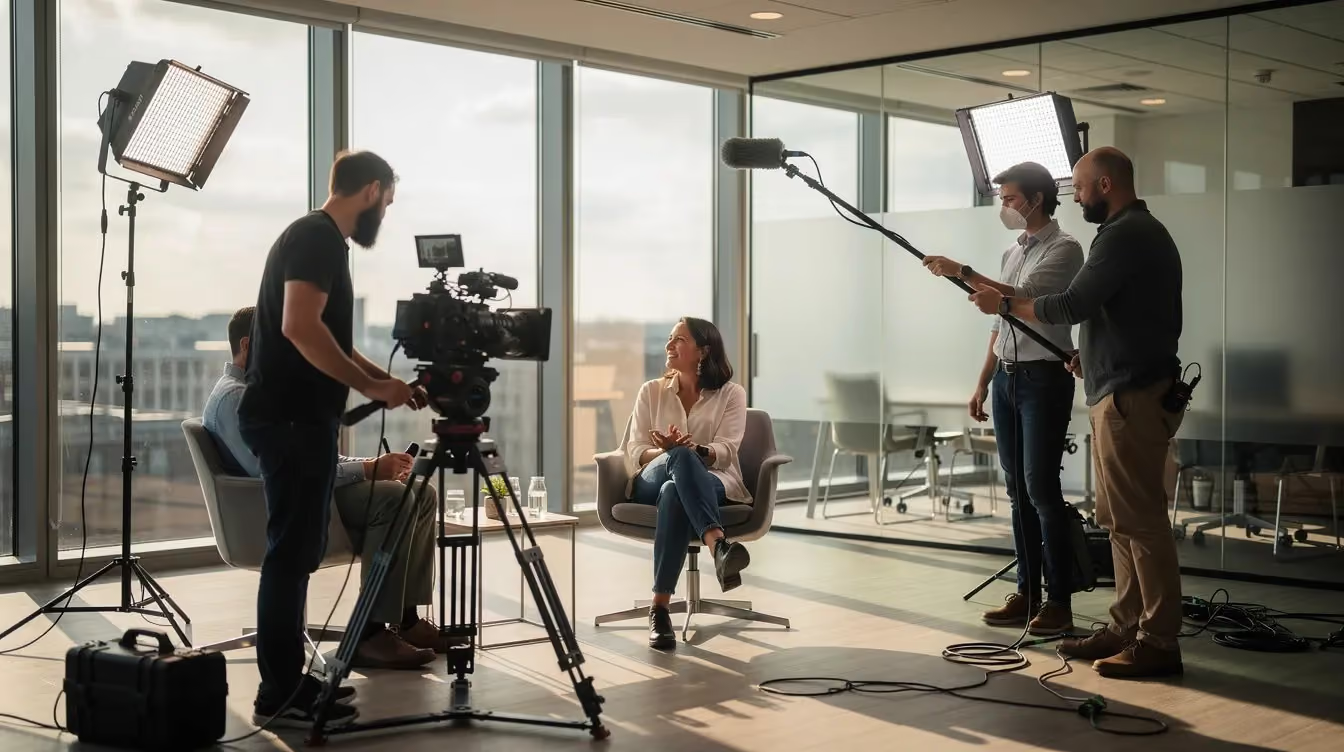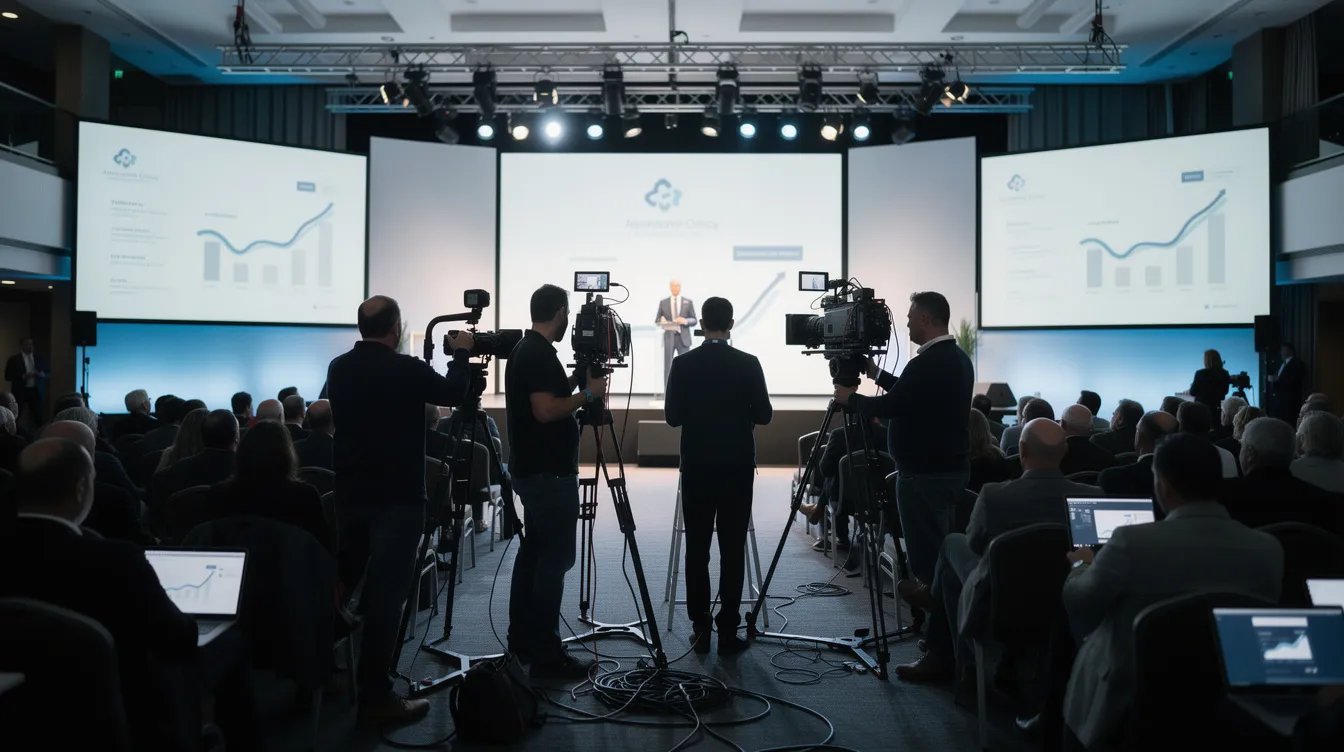
Your keynote landed. The room was full. Your CEO delivered the message exactly the way you rehearsed it. A week later, all you have to show for it is a folder of phone photos and a LinkedIn post that stopped getting views by Thursday. That gap is what event video production is built to close.
Most companies book a videographer a few weeks out, receive a highlight reel a month later, and move on. The event ends and the content ends with it. Bringing a production partner into the planning conversation early, rather than at the end, changes how much of the day turns out to be usable afterward.
Teams that treat the event as a production opportunity rather than a one-time obligation walk away with something else entirely: a library of footage that feeds marketing, sales, recruiting, and internal communications for the next year.
This guide covers how the process works, what you should expect to pay, and how to plan coverage so the moments that matter do not get missed.
What Is Event Video Production?
Event video production is the full process of planning, filming, and editing video content around a live event. It covers the work that happens before the doors open, the coverage on the day itself, and the editing and delivery that follow.
The scope reaches well past the filming. A production team defines what the footage is for, builds a plan to capture it, manages crew and equipment on site, and turns the raw material into finished assets built for specific channels.
The same approach applies across corporate conferences, trade shows, user summits, product launches, award ceremonies, leadership offsites, and annual meetings. The scale changes quite a bit, but the method underneath stays the same.
Here is what the work usually includes:
- Pre-production: goal setting, shot lists, run-of-show review, venue scouting, crew planning, and release paperwork
- Production: multi-camera or single-camera coverage, audio capture, b-roll, and on-site interviews
- Post-production: editing, color correction, graphics, captioning, and delivery in the formats each channel needs
- Distribution support: cutdowns, thumbnails, and organized files so the footage stays usable long after the project closes
Event Videography vs Event Video Production: What Is the Difference?
The two terms get used interchangeably, and for small jobs they often mean the same thing. The difference shows up as the stakes rise.
What is event videography?
Event videography describes the act of filming. One or two cameras, an operator, basic audio, and a finished cut delivered afterward. For a single panel discussion or an internal recognition night, that is frequently the right scope and the right budget.
What is event video production?
Event video production describes the system around the filming. It starts weeks earlier with a plan tied to business goals, and it ends with multiple deliverables aimed at named channels and audiences.
The practical differences
- Videography captures what happens. Production decides in advance what needs to happen on camera, and why.
- Videography usually produces one long file. Production produces a set of assets: a recap, session recordings, speaker clips, testimonials, and social cuts.
- Videography scales to a room. Production scales across concurrent sessions, multiple days, and competing stakeholder requests.
- Videography is priced per shoot. Production is priced against deliverables and turnaround.
For a lot of internal events, a videographer is genuinely the right call and the cheaper one. The moment the footage has a job to do after the event ends, the calculation changes.
Types of Event Videos and What Each One Delivers
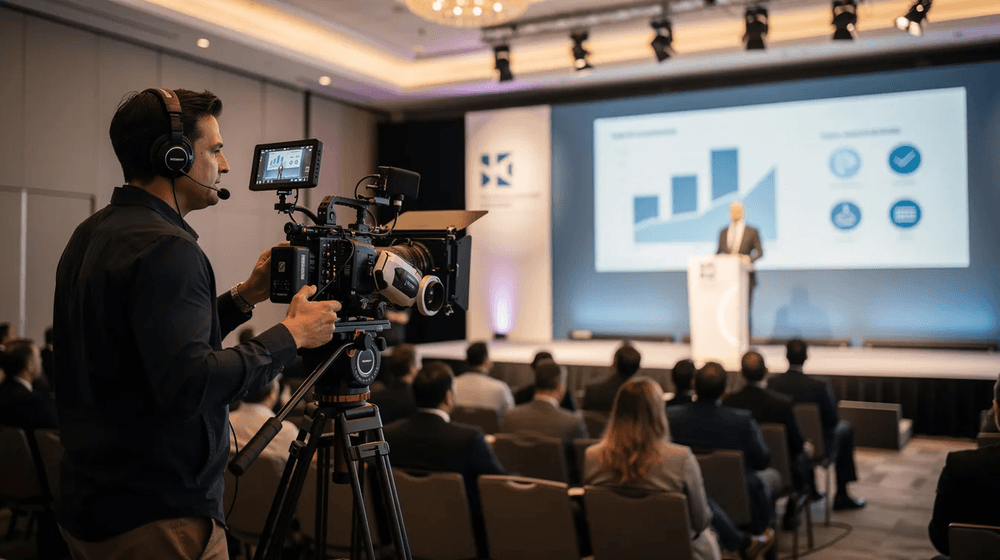
A corporate event video is rarely one video. Deciding the formats before the event is what keeps the crew from guessing on the day, and each format serves a different team inside your company.
- Highlight reels: A 60 to 90 second recap of the energy and key moments, built for social, email, and next year's registration push.
- Keynote and session recordings: Full-length capture of main stage and breakout content. These become gated assets, on-demand libraries, and thought leadership content long after the room empties.
- Attendee and customer testimonials: Short interviews filmed on site while people are still enthusiastic. These double as sales proof and testimonial video material you would otherwise have to schedule separately.
- Exhibitor and sponsor deliverables: Booth coverage, branded segments, and logo placement you can hand back to partners. For sponsored events, this is often what renews the sponsorship.
- Behind-the-scenes and culture content: Setup, teamwork, and candid moments between sessions. This is the footage recruiting and HR will come asking for six months later.
- Live stream capture: Coverage for people who could not attend in person. Streaming itself is usually handled by the venue AV team or a dedicated streaming vendor, with the production crew capturing separate footage for editing.
- Stakeholder recap: A short internal cut for leadership, the board, or the wider company. Different tone from the marketing recap, and usually needed faster.
For a two-day conference, a realistic plan might include one master highlight, complete recordings of eight to twelve sessions, five to ten testimonials, and fifteen to twenty social cuts.
Pre-Event Production Planning
Event day is execution. The decisions that determine whether the footage is usable get made in the weeks leading up to it. Run this as a pre-production checklist and confirm each item before the week of the event.
- Coordinate with the event planner early: The production team needs the run of show, room assignments, and load-in windows before they can build anything. Being added to planning calls rather than briefed at the end saves a great deal of scrambling.
- Scout the venue for audio and lighting: Ballrooms echo, convention centers fight you with ceiling height and HVAC noise, and outdoor spaces bring wind and light that shifts on you halfway through the afternoon. A walk-through, or at minimum floor plans and photos, tells the crew what they are working against.
- Build the shot list from the agenda: Stage angles, crowd reactions, sponsor booths, leadership interviews, networking moments, venue details. The agenda tells you exactly when each one is available.
- Decide what gets multi-camera coverage: Not everything needs three angles. Keynotes and panels usually do. A breakout with a single speaker often does not. Making this call early controls both crew size and budget.
- Plan interview capture around the breaks: Executives and customers are only free between sessions. Booking a quiet room near the main space, with time held on their calendars, is the difference between five strong testimonials and none at all.
- Sort the logistics: Power access, load-in doors, elevator availability, case storage, and union rules at larger venues. These sound minor until one of them costs you an hour of a nine-hour day.
- Handle releases in advance: Speaker agreements, attendee notices, and individual consent where needed. Requirements vary by location, venue, audience, and how the footage will be used, so confirm the right approach with your legal team and production partner before the event. This is the step that most often blocks distribution after the fact.
Practical tip: Lock the final shot list seven days out and send it to your marketing team and your production team at the same time. Changes will still come. A crew adapting from a solid plan behaves very differently from a crew improvising without one.
Production Day Execution
Deliverables and timing belong in the contract, not in a conversation after the fact. A typical package looks like this:
- Same-day highlight reel: A short cut released while the event is still running, usually 30 to 60 seconds for social. Requires an on-site editor and has to be scoped in advance.
- 48-hour executive recap: A fast-turnaround cut for leadership, sponsors, or an internal announcement while momentum is still high.
- Full session recordings: Delivered with branded intros, clean audio, and chapter markers so viewers can jump to specific segments. Chapter markers matter more than most people expect for on-demand content.
- Event recap video: The polished 60 to 120 second piece for the website, campaign use, and next year's promotion. This usually lands one to two weeks out.
- Speaker clips and testimonial edits: Individual cuts pulled from the longer recordings, formatted for the channels you named during planning.
- Derivative assets: Vertical and square versions, accurately captioned files, and still frames for email and blog headers.
- Organized raw footage: Labeled by session, speaker, and theme, with an archive plan so your team can pull material next year without hunting through drives.
Turnaround depends on scope and review rounds. Fast cuts ship in days. Fully polished pieces with motion graphics, color grading, and multiple approval cycles take two to four weeks. Build your internal review time into that schedule, particularly if legal or compliance has to sign off.
Two add-ons are worth deciding on early: professional photography alongside video, which requires the two teams to agree on positions during keynotes so they do not block one another, and drone coverage for large venues or outdoor activations. Drone planning may involve venue approval, certified operators, airspace restrictions, and other FAA requirements, so it can affect both permitting and scheduling.
Post-Production and Deliverables: What You Get and When
Deliverables and timing belong in the contract, not in a conversation after the fact. A typical package looks like this:
- Same-day highlight reel: A short cut released while the event is still running, usually 30 to 60 seconds for social. Requires an on-site editor and has to be scoped in advance.
- 48-hour executive recap: A fast-turnaround cut for leadership, sponsors, or an internal announcement while momentum is still high.
- Full session recordings: Delivered with branded intros, clean audio, and chapter markers so viewers can jump to specific segments. Chapter markers matter more than most people expect for on-demand content.
- Event recap video: The polished 60 to 120 second piece for the website, campaign use, and next year's promotion. This usually lands one to two weeks out.
- Speaker clips and testimonial edits: Individual cuts pulled from the longer recordings, formatted for the channels you named during planning.
- Derivative assets: Vertical and square versions, captioned files, and still frames for email and blog headers.
- Organized raw footage: Labeled by session, speaker, and theme, with an archive plan so your team can pull material next year without hunting through drives.
Turnaround depends on scope and review rounds. Fast cuts ship in days. Fully polished pieces with motion graphics, color grading, and multiple approval cycles take two to four weeks. Build your internal review time into that schedule, particularly if legal or compliance has to sign off.
Two add-ons worth deciding on early: professional photography alongside video, which requires the two teams to agree on positions during keynotes so they are not shooting into each other, and drone coverage for large venues or outdoor activations, which affects both permitting and scheduling.
How Do You Cover a Multi-Day Conference?
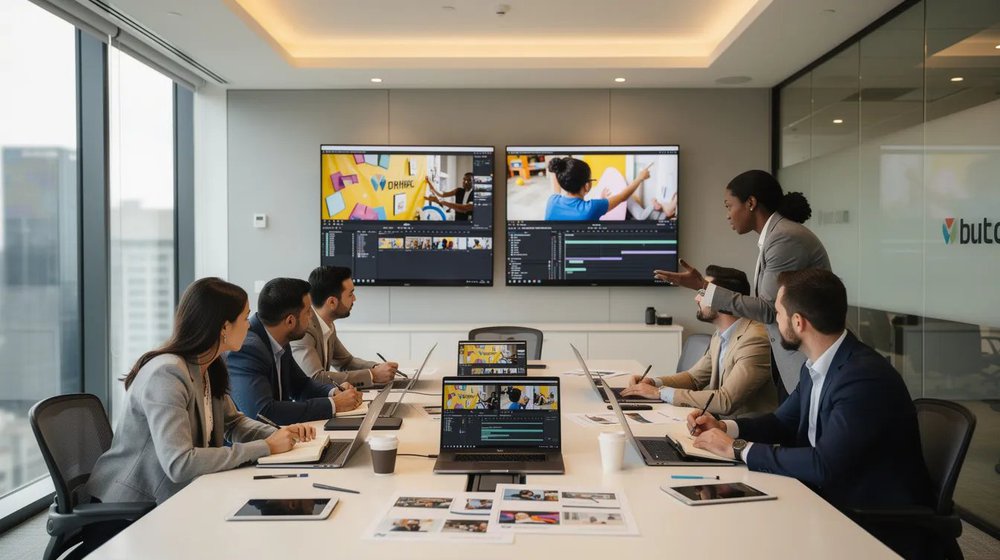
A multi-day event is not just a single day repeated three times, because the complications stack on top of each other as the week goes on.
- Crew scheduling across days: A three-day conference means either rotating crew or accepting fatigue by day three. Rotating costs more and protects quality. Budget for it rather than discovering it on day two.
- Visual consistency: Same camera settings, same color treatment, same graphics package across every day, so the final edit does not look assembled from three separate shoots.
- Daily deliverables: A recap released each evening keeps the event visible and builds attendance for the following day. This requires an editor on site and should be priced in from the beginning.
- Nightly review: Backing up and reviewing footage each night catches gaps while they can still be fixed. A missed angle on day one is still fixable on day two, which is not true once everyone has gone home and you find it three weeks later in the edit.
- Stakeholder review on site: Executives and sponsors will want to see cuts while they are still at the event. Agreeing in advance on who approves what, and how quickly, keeps daily deliverables from stalling.
- Gear and storage logistics: Moving equipment between rooms, securing cases overnight, and managing drive space for several days of multi-camera footage.
A three-day event with concurrent tracks can generate more footage than a full quarter of studio production, and without someone assigned to organize and label it, most of it quietly sits on a drive.
If your event is specifically a conference, the guide to conference video production goes deeper on session coverage and speaker logistics.
How Much Does Event Video Production Cost?
orporate rates for event video coverage vary more than most video work, because the scope is driven by the event itself rather than by a creative brief. These are typical planning ranges rather than quotes:
- Half-day corporate event, single or dual camera, standard turnaround: roughly $5,000 to $10,000.
- Full-day conference with multi-camera coverage, interviews, and a recap edit: roughly $8,000 to $20,000.
- Multi-day conference with concurrent sessions, daily deliverables, and a full post-production package: roughly $15,000 to $50,000 and up.
What moves a project within or beyond those ranges:
- Camera count and crew size: Each additional operator adds day rate, gear, and editing hours.
- Number of shoot days, including setup and travel days.
- Turnaround speed: Same-day and next-day edits require an on-site editor and premium scheduling.
- Travel and lodging when the crew is not local to the venue.
- Post-production depth: A cleaned-up keynote recording costs a fraction of a branded sizzle with custom motion graphics and licensed music.
- Deliverable count: Ten social cuts is a different edit budget from three.
- Review rounds: Every additional approval cycle adds time, and time is the cost.
Ask for an itemized quote that separates filming, editing, travel, and optional extras. It makes internal approval far easier, and it shows you exactly where you can flex if the number comes back higher than expected.
Going deeper on cost: The videography pricing guide shows how crew size and production days drive the final number.
How to Choose an Event Video Production Company
The wrong partner turns your event into a stressful day and a disappointing folder of clips. The right one operates as an extension of your events team.
What to look for:
- Corporate event experience specifically: Filming a conference is a different skill from filming a commercial. Ask for examples from events at your scale, in environments like yours.
- A real plan for backups: Ask what happens if a card fails, a camera goes down, or audio drops mid-keynote. The answer tells you how many events they have actually covered.
- Discretion around executives and customers: Your CEO and your best clients are on camera. The crew needs to be calm, quick, and out of the way.
- Itemized quoting: Separate lines for filming, editing, travel, and extras.
- Named deliverables and dates: Not "highlight reel and social cuts," but how many, what length, which formats, delivered when.
- Flexibility: Agendas change and speakers cancel. The question is how the team handles it, not whether it will happen.
Levitate Media produces event, conference, and trade show video for corporate teams, with a senior producer on every project and no agency layers in between.
See the portfolio or the event video services page.
Turning One Event Into a Year of Content
The strongest argument for professional coverage is what happens after everyone goes home. One well-covered conference can supply a marketing calendar for the next twelve months.
- Cut long sessions into short clips. A 45-minute keynote usually holds three to five standalone ideas. Each becomes a LinkedIn post, an email asset, or a paid social unit.
- Turn on-site interviews into customer stories. Testimonials captured at an event become website proof, sales enablement material, and full case study videos.
- Build a tagged b-roll library. Organized by session, speaker, and theme, that footage refreshes brand reels and recruiting content without booking a new shoot.
- Feed other teams. Ask sales, HR, and recruiting before the event which stories they need captured. Two extra interviews on the day saves them a separate production later.
- Schedule the releases. Front-load the momentum content in the first two weeks, then spread the remainder across the months leading into your next registration cycle.
This is the same logic behind planning one production to create multiple video assets, except the event itself creates the opportunity to capture them all at once.
Plan Your Next Event Video Production
Events take a serious share of the marketing budget, and most of that spend evaporates the moment the room clears. Video is what keeps it working.
If you have a conference, trade show, or corporate summit on the calendar and want a production partner who plans the coverage around what your teams will actually need afterward, talk to the Levitate Media team.
If you are still working out budget, the video budget calculator will give you a working estimate first.
Insights from