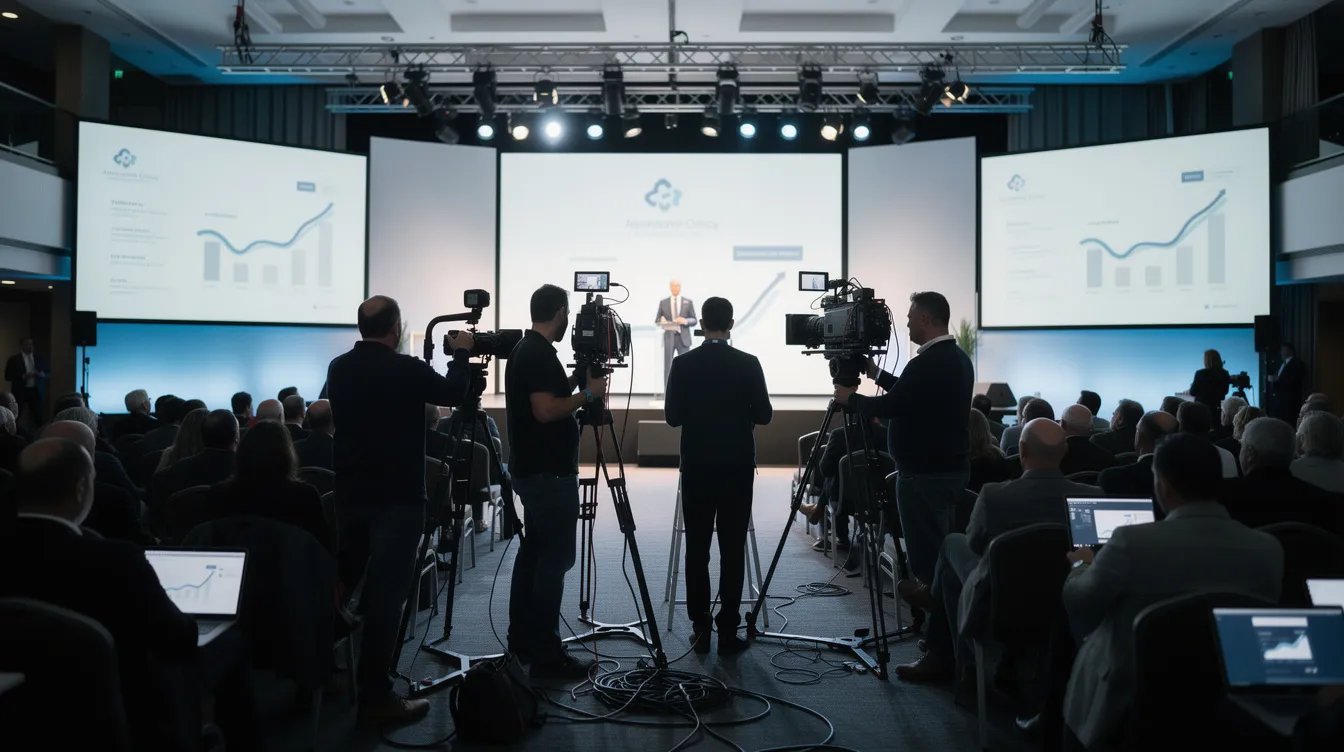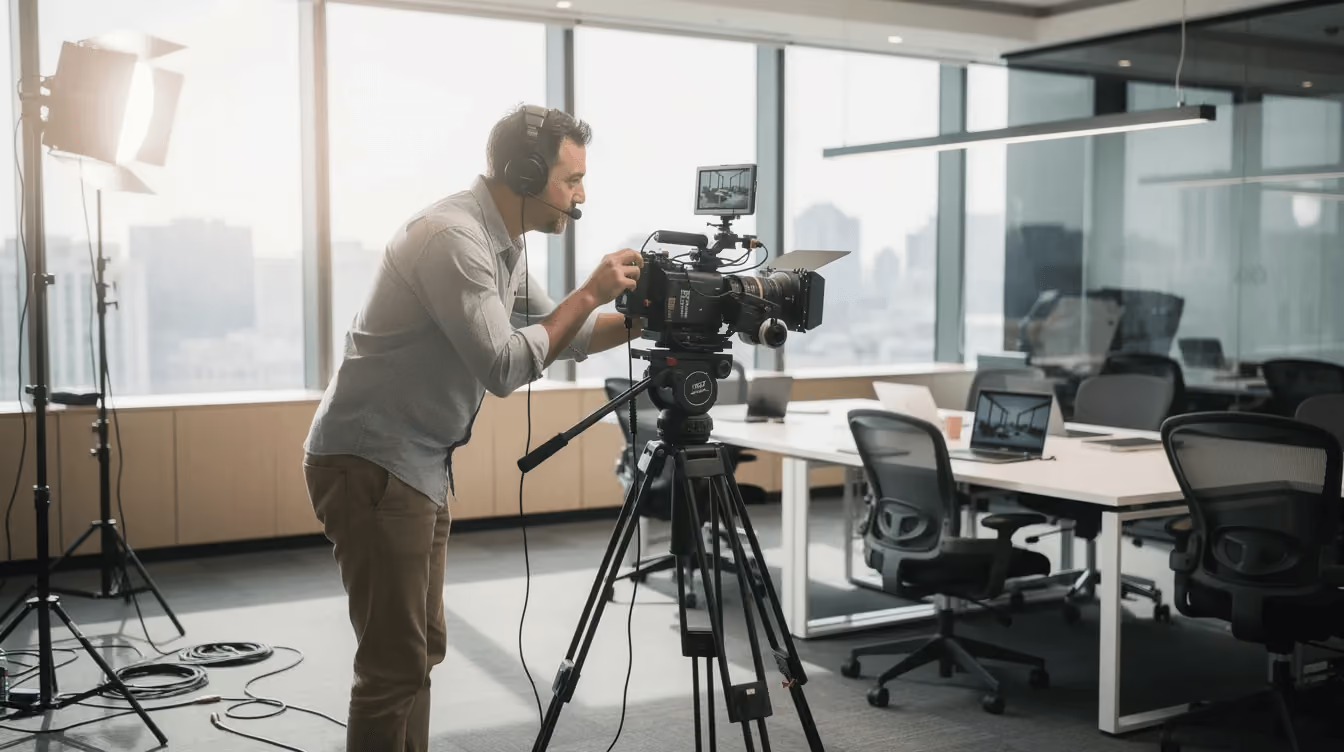

Most video projects that fail do so way before launch. They fail in pre-production planning or after delivery because distribution was never part of the plan.
A video production checklist is a step-by-step planning tool that keeps your entire project on track from the first brief to the final product. It keeps teams aligned, budgets under control, and the production process moving without costly surprises.
This is what a comprehensive checklist looks like across every stage.
What a Video Production Checklist Actually Covers (And Why Most Teams Miss Half of It)
A comprehensive checklist covers four connected stages: pre-production, production, post-production, and distribution.
Most teams remember the shoot, the equipment, the talent, and the editing. What gets missed is the marketing alignment, the approval flow, the CRM tracking, and the platform-specific delivery.
That last part is where the budget goes to waste.
With 87% of businesses using video as a core strategy, the question is rarely whether to create video. The question is whether the production process is built to support the business goal behind it.
Phase 1 - Pre-Production Checklist (Two to Four Weeks Before the Shoot)
Pre-production is where the entire project becomes real. If you want to save valuable time and money later, this is the stage to slow down and double check everything before anyone hits record.
Project Brief and Business Objectives
Start with the creative brief. Define your objectives, target audience, key message, success metrics, distribution channels, timeline, budget, and approval owners.
A good brief turns a general idea into a working plan.
A SaaS product demo might target qualified demo requests. A healthcare recruiting film might track application starts. The creative vision should always connect to a measurable outcome.
If you are still evaluating production partners before the brief is written, our video production RFP guide walks you through exactly what to ask.
Video Type and Format Selection
Before scripting begins, confirm what type of video you are producing and what formats you need at delivery.
A product demo, brand film, customer testimonial, or explainer each follow a different production approach and crew size. Deciding this early also determines your aspect ratios so the shoot captures everything in the right frame without costly reshoots later.
Script, Messaging, and Approval Rounds
A completed script shapes the entire narrative and gives everyone on the production process a clear roadmap.
For a B2B video under three minutes, plan for 350 to 450 words. Start with the problem, layer in the solution, proof, and CTA. Get it approved before production starts. Two to three review rounds are normal, especially when legal, compliance, or executive teams need sign-off.
Once the script is locked, build your detailed shot list. A strong shot list keeps the crew aligned, saves time on set, and makes sure no critical footage gets missed during filming.
Location, Talent, and Logistics

Location scouting is about more than finding a good-looking space. Scout for noise levels, natural light, power access, parking, and whether the space can actually fit your crew and equipment. A location that looks great in photos can create real problems on shoot day.
For any outdoor shoot, confirm a weather backup date upfront. A contingency day negotiated early costs far less than a last-minute reschedule with crew and talent already contracted.
For location type, choose between office, studio, customer site, or remote capture. For casting, decide between employees, customers, or professional talent. Confirm release forms, scheduling windows, and wardrobe before the shoot date is locked.
Budget, Equipment, and Scheduling
Confirm every line item before spending begins: production fee, travel, location, permits, animation, voiceover, captions, and a 10 to 15 percent contingency for wiggle room.
Music licensing deserves its own line item. Royalty-free stock music and commercially licensed tracks carry different costs and usage rights. Confirm which you need before the project reaches post-production.
For technical specs, confirm 4K, 16:9 for YouTube and LinkedIn, vertical for paid social, and square for feed placements where needed. Match the camera, lighting, audio, and crew size to the final product.
If you are mapping out your production budget and need a starting point, our video pricing guide breaks down what to expect across different video types.
Phase 2 - Production Day Checklist

Production day is about protecting the plan. The fastest way to lose focus is solving strategy questions on set. Your production checklist should keep the team moving from scene to scene with clarity.
Call Sheet and Crew Coordination
Develop a call sheet and share it before the video shoot so no one is guessing on the day.
Include:
- Call times for crew, talent, and stakeholders
- Address, parking, access, and security notes
- Wardrobe, props, and product needs
- Key contacts and emergency contacts
- Schedule, breaks, and wrap time
- Catering and craft services, confirm food and water for crew and talent. A crew that stays on location keeps the shoot on schedule and energy consistent through the second half of the day.
Gear, Audio, and Lighting Checks
Before the shoot begins, confirm primary and backup camera bodies, lenses, tripods, media cards, batteries, monitors, and audio gear.
Use lav mics for interviews, a boom for groups, and headphones to monitor sound at all times.
For lighting, keep it simple and controlled. A three-point setup makes a corporate space look polished without feeling staged. Check camera angles before recording so the frame supports the story and leaves room for graphics in post.
On-Set Brand and Talent Checks
Before production starts, scan backgrounds for clutter, old logos, outdated product versions, and confidential information. On-set brand compliance saves hours in post-production.
Give non-professional talent a few warm-up minutes, water, and clear coaching. Ask for short answers. Avoid internal acronyms that will confuse the target audience watching later.
Assign someone to capture behind-the-scenes content during the shoot. Crew setup, talent preparation, product moments, and candid team interactions can all become social posts, LinkedIn content, and email assets alongside the hero video. One production day can generate an entire content ecosystem if someone is paying attention.
Capture b roll while the energy is high: product use, team interaction, office movement, reactions, and details that bring the story to life.
Data Backup and End-of-Day Review
Back up footage regularly on-site. Transfer to at least two locations after filming, whether two drives or one drive plus secure cloud storage.
Before wrap, review must-have soundbites, hero shots, and product moments. If something is missing, fix it while the set is still live. Walking away without that footage is the most expensive mistake in the video production process.
Phase 3 - Post-Production Checklist
Post-production is where raw footage becomes a finished product. The edit, the color, the audio, the graphics, this is where the story either comes together or falls apart. For B2B content, plan for one to three weeks per finished minute.
Ingest, Organization, and File Management
Label footage by date, location, scene, speaker, and take. Back up raw footage before any editing begins.
Set folders for RAW, EDIT, GRAPHICS, AUDIO, EXPORTS, and ARCHIVE. A well-organized project saves hours and prevents the post team from chasing files mid-edit.
Edit Structure, Graphics, and Audio Polish
The first draft should prove the structure works. Hook in the first five to eight seconds, then layer in the problem, solution, proof, and CTA.
After the structure holds, fine tuning begins. Add lower thirds, name supers, logo animations, color grading, music, sound design, and audio mix. If the story feels unclear at this stage, return to the brief before adding more polish. More graphics will not fix a weak script.
Review Rounds and Feedback Management
Keep review cycles tight. Decide upfront who comments, who consolidates notes, and who has final authority.
Use:
- Time-coded feedback
- One master comment list
- Clear scope rules
- A final approval date
This protects the edit from last-minute changes that do not serve the original vision.
Versioning, Captions, and Export
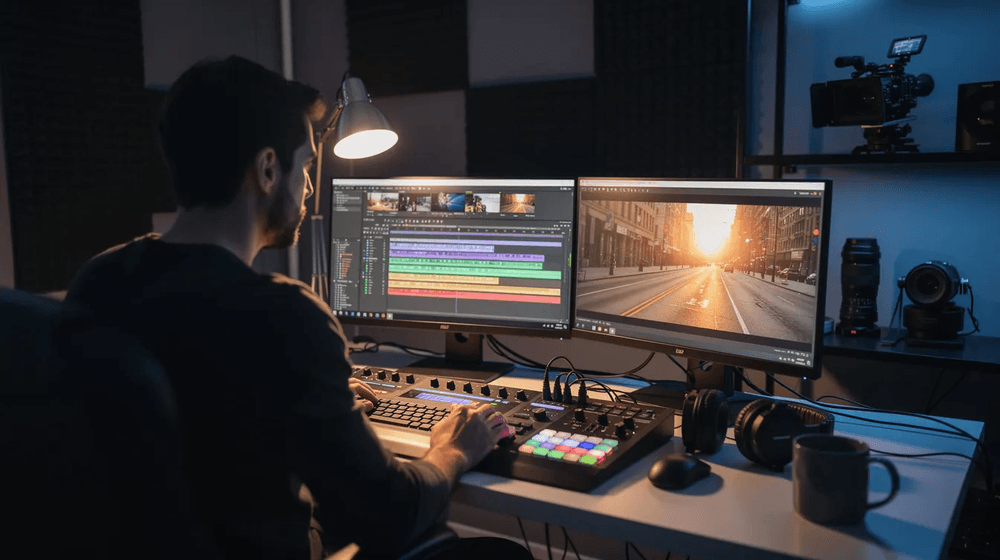
Build versions for 6, 15, 30, and 60 seconds when the campaign needs them. Add closed captions and SRT files for accessibility and sound-off viewing.
Final export must match the intended platform. 4K for YouTube, vertical for paid social, square for feed placements. Getting this wrong at export means going back into the edit, which costs time and budget.
Phase 4 - Distribution and Measurement Checklist
A finished video is not the finish line. Distribution determines whether the investment pays off. Most business videos underperform because channel planning, tracking, and sales enablement are treated as afterthoughts rather than checklist items.
Channel Planning and Technical Deliverables
Plan for every channel before delivery: website, email, LinkedIn, YouTube, paid media, and sales enablement.
For each channel confirm:
- File type and resolution
- Aspect ratio and safe zones for text and logos
- Thumbnail, title, and description
- CTA and landing page destination
Social media platforms do not all reward the same format. Plan this before the edit is locked, not after.
Tracking Setup and CRM Integration
Use UTM parameters, event tracking, and CRM integration so video performance connects to leads and pipeline, not just views.
According to HubSpot, weak measurement is one of the most common reasons video marketing fails to demonstrate ROI.
Track watch time, click-through rate, conversion rate, meetings booked, and influenced pipeline. Build tracking into the checklist early so reporting is not patched together after the fact.
Sales Enablement and Reporting Cadence
Host the video in a central library with analytics. Give sales teams approved links, short clips, and email-ready copy they can actually use.
Review results at 30, 60, and 90 days. Look at what worked, what stalled, and what to carry into the next project.
The Most Common Video Production Checklist Failures (And How to Avoid Them)
Even experienced teams skip steps. These are the five that cause the most damage:
- Scope creep: The brief was too vague. Lock objectives, audience, message, deliverables, and budget before production starts.
- Missed approvals: No one named the decision makers. Assign approvers for script, shot list, brand, legal, and final version before the project kicks off.
- The distribution gap: The video got delivered but never properly launched. Add channels, formats, CTAs, UTM links, and CRM tracking to the checklist before the shoot.
- Reshoots: Poor audio, missing shots, or unclear talent direction. A detailed shot list, gear check, and end-of-day review catch these while the set is still live.
- Budget overrun: No contingency and no single decision owner. Set clear line items, wiggle room, and name one person accountable for changes.
Working With a Production Partner Who Already Has This System Built In
A great video needs creativity. It also needs process.
When the checklist is handled for you, the entire production runs smoother, faster, and closer to budget. That means fewer surprises for your team and a stronger case when you present results to leadership.
If you are planning your next campaign, explore our video production services or contact Levitate Media for a free quote.
Insights from